

Languages
1. Setup Data
1.1 Languages
Adding more than one language and uses it in the system is an important feature. User can add/delete and edit language from this screen as shown in figure 1.
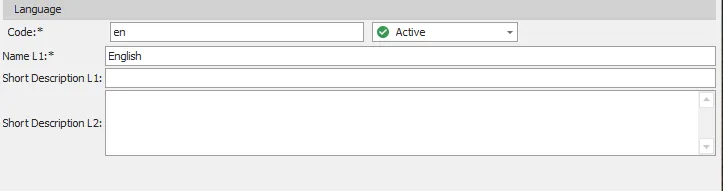
figure 1
| # | Field | Description |
|---|---|---|
| 1 | Code | Language code (eg, EN). shouldn’t be empty and should be unique |
| 2 | Name L1 | Language name is mandatory field and should be unique |
| 3 | Name L2 | Language name language 2 |
| 4 | Short Description L1 | Brief language description language 1 |
| 5 | Short Description L2 | Brief language description language 2 |
| 6 | Is Active | Select if this language active or inactive |